The platform · Incident management
// one incident, end to end — first report to after-action
When something happens, whoot. runs the whole incident: the first report, the one-tap declaration, the alerts and two-way SMS, the live map, the accounted-for count, and the sealed record — one platform, all on the record.
Photo + voice note: smoke near the loading bay.
Scenario: Fire — partial evacuation, Zone B.
34 devices sirened · SMS → 250 phones.
12 location pings · Zone B clearing.
247 / 250 confirmed safe · 3 being chased.
Timeline sealed · replay ready for review.
<24s
To full-team alert
1 tap
To declare — from any phone
0
Apps needed to respond
100%
On the record

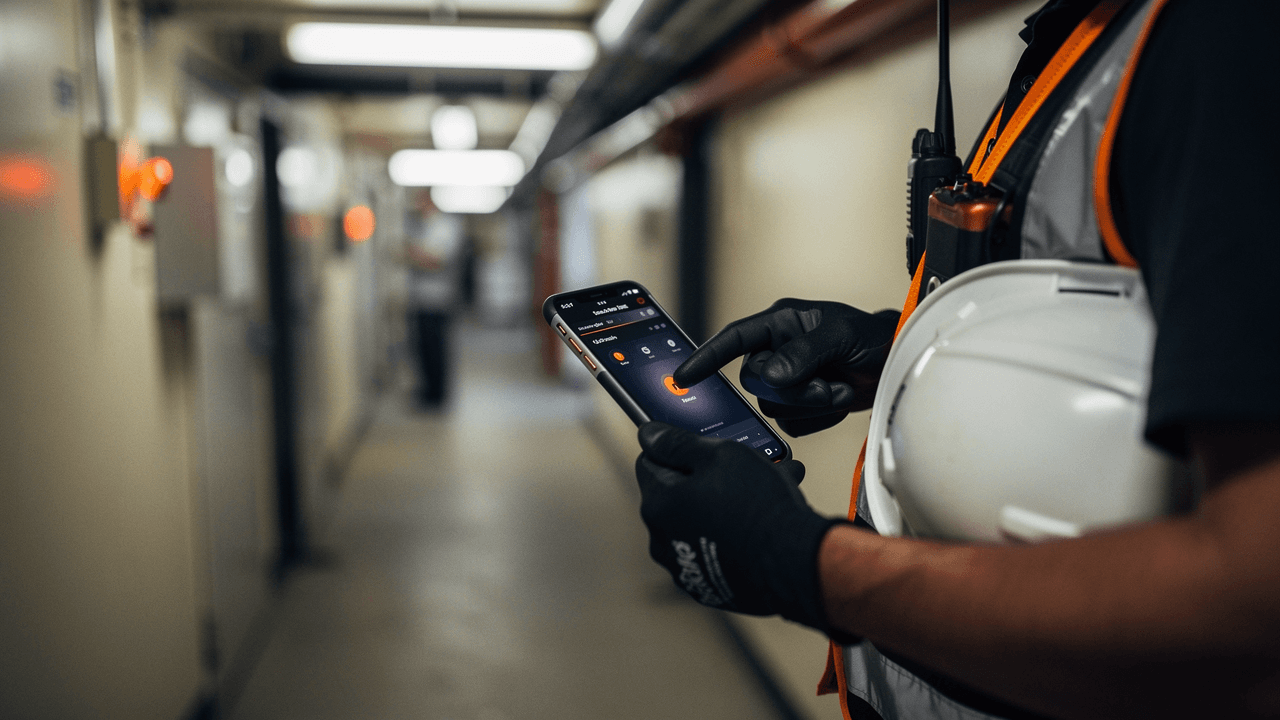
Declared from a service corridor, one tap
Declared14:31:58
One incident, end to end
From first report
to stand-down.
This is the same incident the panel above shows — walked through phase by phase, with what whoot. is doing at every step.
14:31·01 · The first report
The people who see it first don't work for you.
A visitor scans the QR poster and files a report — a photo, a voice note, a line of text. No account, no app. It lands in your Security Operations queue with a reference that reads cleanly over a radio, not in somebody's inbox.
- Public issue reporting from any sign-up poster
- Photo and voice-note evidence attached at source
- Radio-friendly references — “IR-7KQ4XN”
- One triage queue, permission-gated
14:31·02 · Declare
One tap, from wherever you're standing.
Your team authors the scenarios in advance — fire, intruder, medical, anything your risk assessment names. When it's real, whoever is closest declares from their phone: one tile, one tap, and the response starts. Drills run through the exact same flow, flagged so practice never reads as the real thing.
- Tenant-authored scenario tiles — your plan, not a template
- Declare from a phone, a tablet, or the control room
- Drill mode uses the real flow, marked end to end
- Every declaration timestamped and attributed
14:32·03 · Alert
Every device. Every phone. At once.
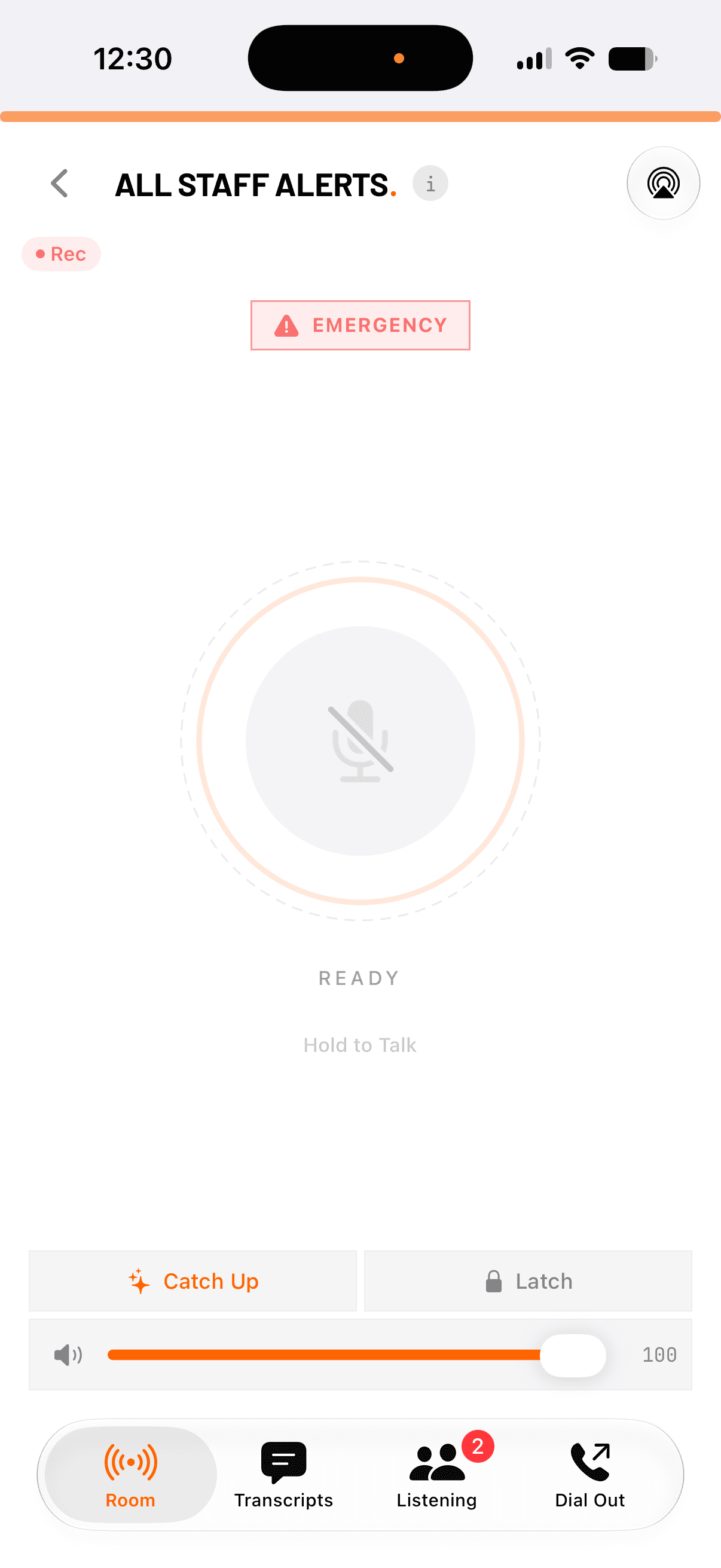
Connected devices get a full-screen visual alert and audio siren that bypasses Do Not Disturb. Everyone else gets two-way SMS — staff, contractors, and the public on your recipient lists, on any phone, with no app installed. Landlines get pulled straight into the voice room.
- Full-screen siren on web, iOS, and Android — bypasses DND
- Two-way SMS to always-on recipient lists
- PSTN dial-out for the people who only have a landline
- Audit trail of who was notified, and when
14:32·04 · Respond
Everyone works from the same picture.
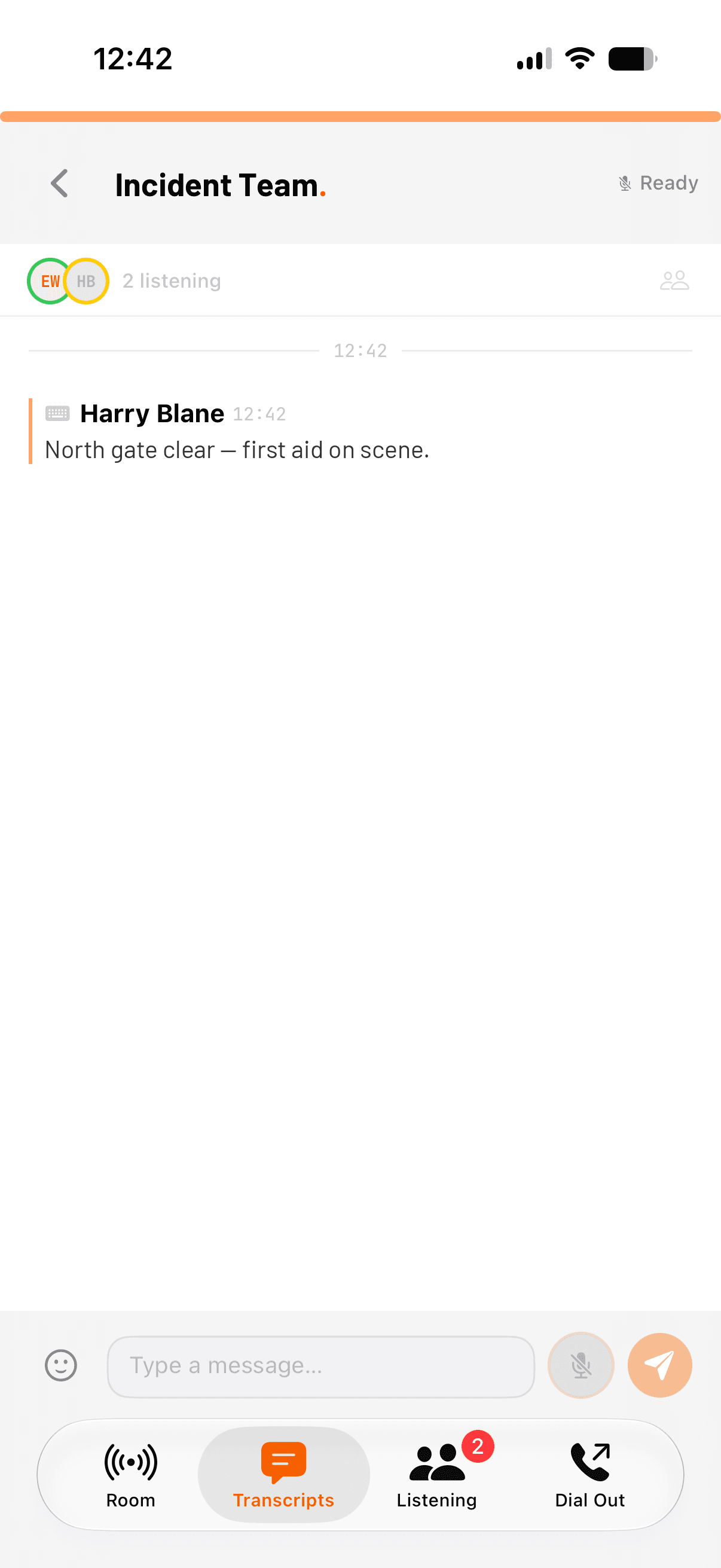
Every alert recipient gets a live response page — operator updates as they happen, a one-tap safety check-in, live location if they share it. Your team coordinates on always-on voice rooms while the incident map fills in: location pings, what3words references, and your own annotated venue maps.
- Live response pages — no app, no login, any phone
- Operator updates pushed to every open page
- Always-on voice rooms for control, stewards, and field teams
- Live map: pings, what3words, annotated venue plans
14:33·05 · Account
Know who's safe. Chase who isn't.
A blast only tells you what you sent. whoot. counts what came back: one-tap check-ins, SMS replies, and read receipts roll into a live accounted-for count. The people who haven't answered get chased automatically — and anyone in trouble becomes a distress case your team can claim and resolve.
- Live accounted-for counts — 247 / 250, not a guess
- Per-person read receipts and reply status
- Automatic follow-ups and re-pings for non-responders
- Distress cases with claim, track, and resolve
14:47·06 · Stand down & review
The record wrote itself.
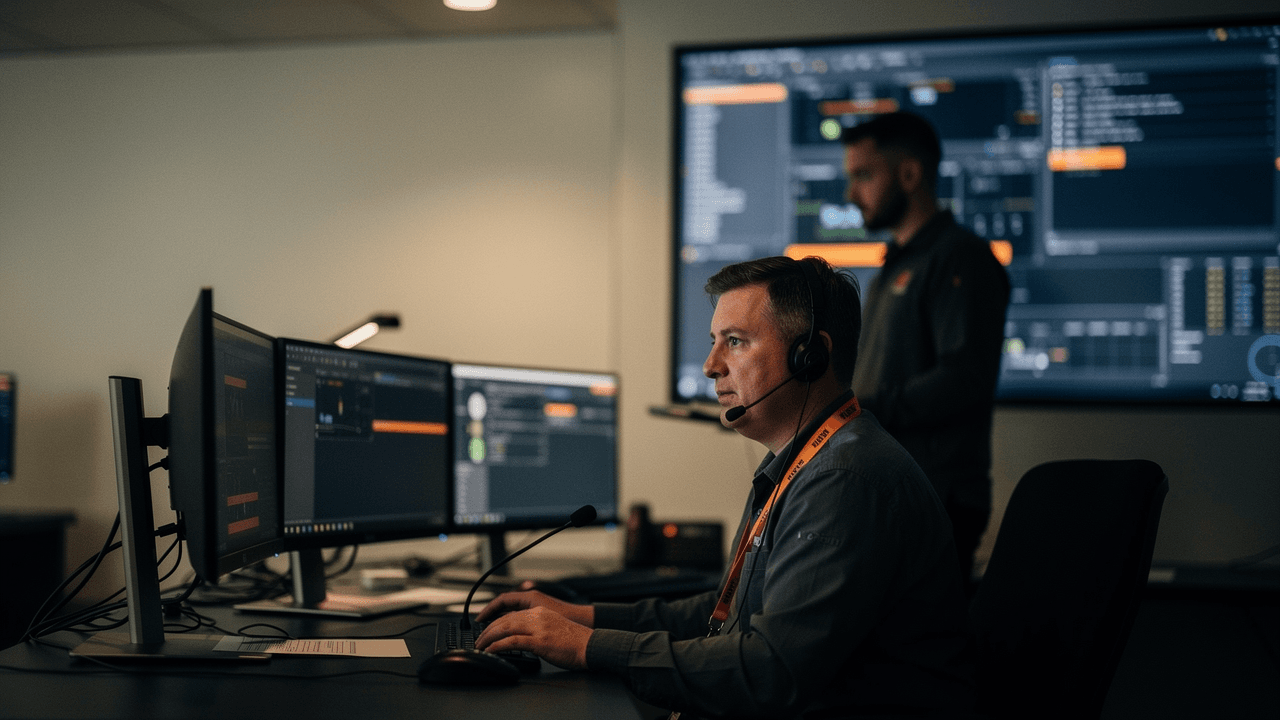
While your team worked, whoot. kept the minutes: every declaration, alert, update, reply, and voice transmission on one sealed timeline, with recordings and speaker-attributed transcripts behind it. Replay the incident end to end, run the after-action review, and refine the scenario for next time.
- One sealed timeline across every channel
- Incident replay with synced transcripts
- After-action reviews built from the record, not memory
- AI intelligence: entities, threads, and corroboration
Readiness
The worst time to design your response is 14:32 on event day.
whoot. is ready before you need it — rooms open, lists live, scenarios rehearsed.
The kit
Everything above.
In every plan.
Incident management isn't an enterprise tier or an add-on module. Every capability on this page ships with every whoot. plan — two-way SMS is the one thing priced separately, by list size rather than seats.
Emergency alerts
Full-screen siren and visual alert on every connected device. Bypasses Do Not Disturb. Audit-logged delivery.
Two-way SMS
Always-on recipient lists priced by size, not seats. Replies land where the whole team can see them.
Response pages
A live page for every recipient — updates, one-tap check-in, live location. Works on any phone, no app.
Live incident map
Location pings, what3words, and annotated venue plans on one shared operational picture.
Accountability
Live accounted-for counts, read receipts, automatic re-pings, and distress cases with claim and resolve.
Photo & voice evidence
Reports and responses carry photos and voice notes, transcribed and filed against the incident.
Always-on voice
Sub-150ms push-to-talk rooms that already exist when the first report comes in. Fully recorded.
Timeline & replay
A sealed record of every action, replayable with synced transcripts for drills and after-action review.
Go deeper
Two ways in.

Running a venue or public event?
The Terrorism (Protection of Premises) Act asks venues to notify, guide, and account for every person. Everything on this page supports those obligations — and the Martyn's Law page maps each requirement to the capability that answers it.
whoot. for Martyn's Law→
Run a control room?
Underneath the response sits an intelligence engine: AI entity extraction, threat tracking, vocal-stress analytics, and corroboration across every report — built from the live voice your teams are already speaking.
See the intelligence engine→Note:whoot. provides incident-management and emergency-communication infrastructure that supports organisations in implementing their Martyn's Law obligations under the Terrorism (Protection of Premises) Act. It does not constitute legal compliance advice, and no product can make a venue compliant by itself. Consult a qualified safety professional for guidance specific to your premises.
Get ready
Ready before
you need it.
Set up the rooms, the lists, and the scenarios this week. Run a drill next week. When it's real, everything already works — and everything is on the record.